
Install
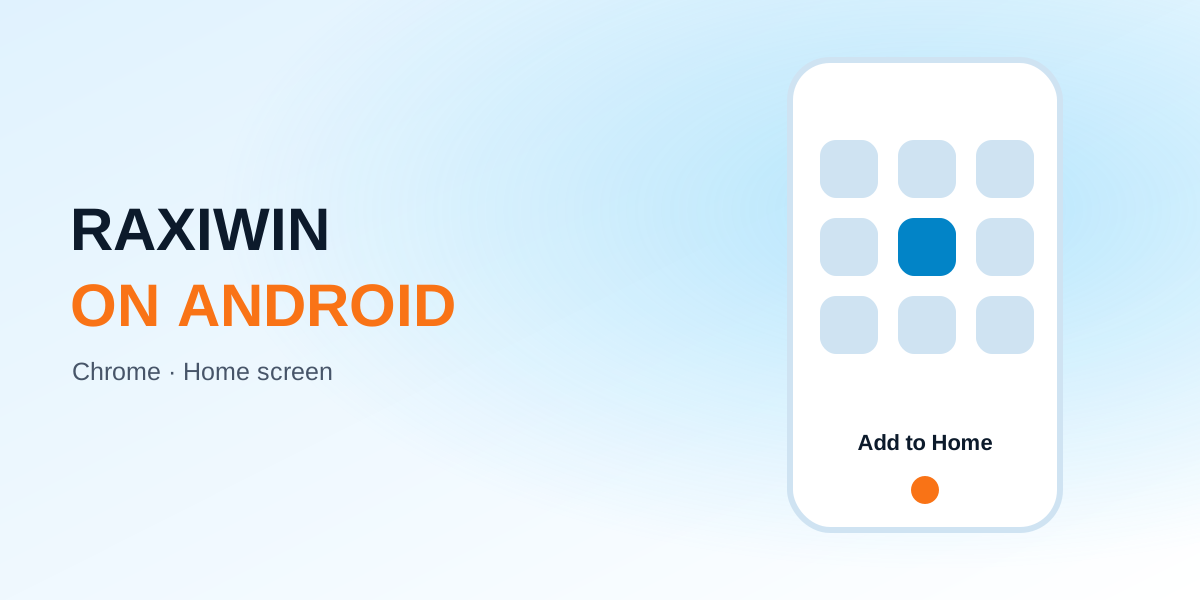
- Open Raxiwin in Chrome. Use the Open button on this site.
- Tap ⋮ (top right). Choose “Add to Home screen” or “Install app”.
- Confirm. The Raxiwin icon appears on your home screen.
Fixes
| Problem | Fix |
|---|---|
| No “Add to Home screen” | Update Chrome from the Play Store |
| Icon opens a blank page | Clear site data, open again |
| Slow timers | Turn off battery saver while playing |
Frequently asked questions
Do I need ‘unknown sources’ on Android?
No — that's only for APKs, which you don't need.